In This Article
A check-printing or high-volume forms room usually runs more than one machine, and from across the floor they all look like the same thing: a big grey impact printer pulling continuous paper. The consumables tell a different story. A Kerning encoder, a Printronix P5000 and a Printronix P7000 sitting side by side take three different ribbons, in three different formats, doing three different jobs — and two of those ribbons are security products that a standard black ribbon cannot replace.
This is a plain-language guide to the equipment and the ribbons that go with it: what each machine is built to do, what each ribbon is actually for, and how to order the right one without a trial-and-error box sitting in your storeroom.
The three machines, and what each one is for
Kerning KDS 600 — the MICR encoder
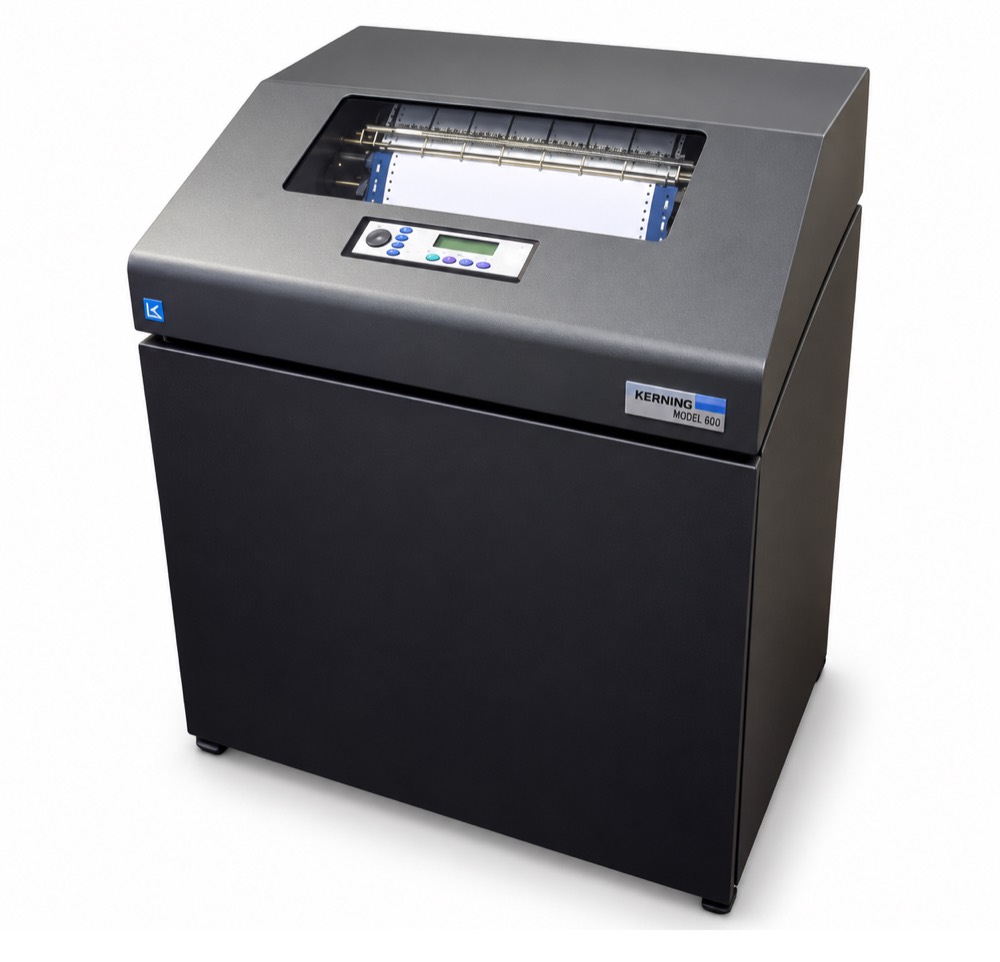
Kerning Data Systems has built impact MICR equipment since 1986, and its encoders are installed in more than 60 countries, often inside systems badged by larger OEMs. The KDS family (150, 300, 600, plus the THM units) is not a general-purpose printer. Its job is the code line: the magnetic characters along the bottom of a check that a bank’s reader/sorter has to read at speed.
- Throughput: up to 600 documents per minute (one line on a 2.75" document, two-up)
- Fonts: E-13B, CMC-7, or a MICR/Gothic split — selected in the machine, not in the ribbon
- Print width: 120 columns at 8 characters per inch
- Ribbon: wide MICR spool, variable width, long lengths — on the order of 100,000 checks per ribbon
- Footprint: a floor machine, roughly 48" x 36" x 40" and about 530 lb
A KDS can run standalone or in tandem behind a text printer, which is exactly why consumables get confused: the encoder and the text printer are in the same line, doing the same job on the same document, and they do not share a ribbon. Kerning has published no end-of-life for the KDS family and its distributors still list all three models, but it is a small specialist manufacturer — confirm parts and ribbon supply directly rather than assuming it.
Printronix P5215 — the P5000 workhorse
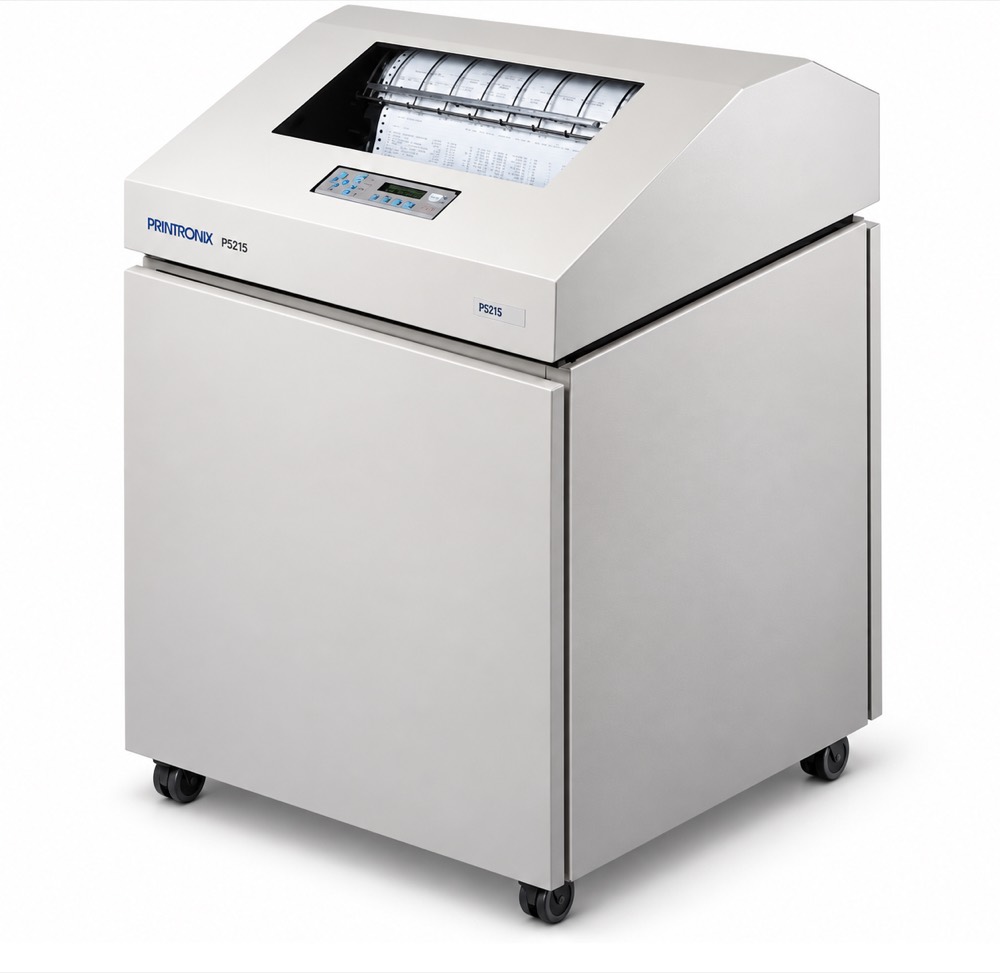
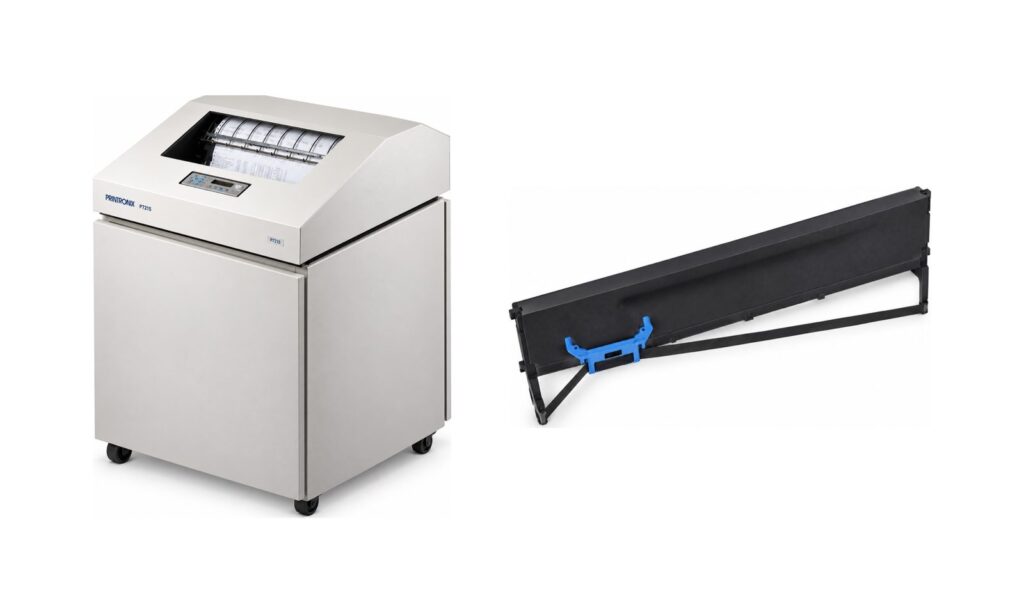
The P5000 series is impact line matrix built for volume reports, multipart forms and invoices. The P5215 runs up to 1,500 lines per minute in high-speed mode (1,125 lpm in data processing, 600 lpm at near letter quality), prints up to 13.6" wide at a maximum 180 x 96 dpi, and emulates the usual estate — P-Series, Serial Matrix, IBM ProPrinter III XL, Epson FX-1050, with IPDS, TN5250 and TN3270 available. It is a spool-ribbon machine. Printronix put the P5000 platform out of support on 1 December 2013 and discontinued shuttle repair and spare-part availability on 1 January 2015; the P5215 is named in the affected model list.
Printronix P7215 — the P7000 generation
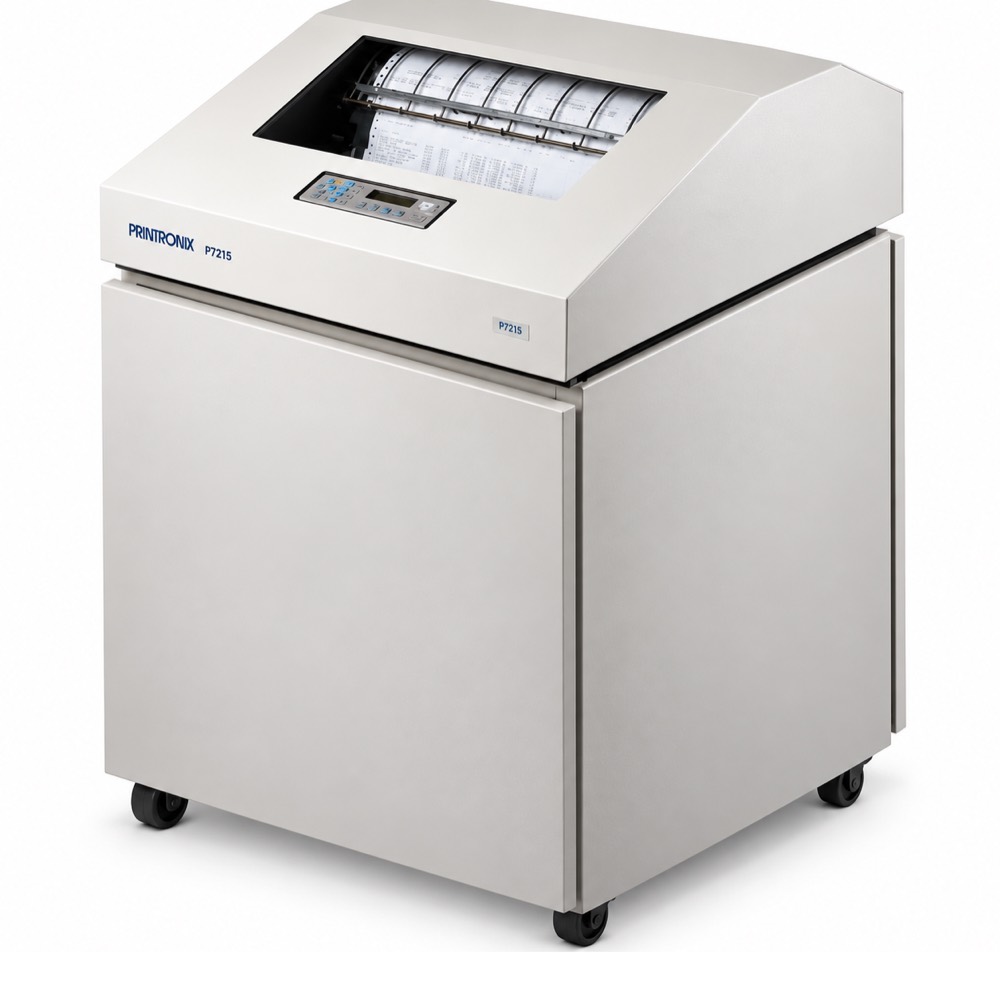
The P7000 is the sixth-generation line matrix family and was the natural replacement path for P5000 and IBM 6400 estates — though it is now out of support itself, effective 2 January 2023. The P7215 also reaches 1,500 lpm, but the envelope is wider: up to a 16.5" print width, paper from 3" to 17", an Energy Star rating, a fully enclosed sound-reduction cabinet quiet enough for an office, and options such as the SureStak power stacker and a rear slide-out paper drawer.
One detail decides your ribbon order: the P7000 generation exists in spool and cartridge versions. The P7215 is the spool model; the cartridge equivalent carries a C in the model number (P7C15). Cartridges from the newer P8000 are backward compatible with P7000 cartridge printers, and Printronix rates the cartridge system at roughly 20% better consumable cost per page — but none of that helps a spool machine. Read the model plate, not the generation.
Quick comparison
| Kerning KDS 600 | Printronix P5215 | Printronix P7215 | |
|---|---|---|---|
| Built for | MICR code line on checks | Reports, forms, invoices | Reports, forms, labels |
| Speed | Up to 600 documents/min | Up to 1,500 lpm | Up to 1,500 lpm |
| Width | 120 columns at 8 cpi | Up to 13.6" printable | Up to 16.5" printable, 3–17" paper |
| Ribbon format | Wide MICR spool | Spool | Spool (P7215) or cartridge (P7C15) |
| Ink | Magnetic (MICR) | Non-magnetic; security grades available | Non-magnetic; security grades available |
| Yield measured in | Checks | Millions of characters | Millions of characters / pages |
Support status: all three are legacy platforms
This matters more than any specification on the page, so it belongs in writing. Both Printronix machines are past end of support, and the Kerning encoder has no published end-of-life at all.
| Platform | Status | Key dates |
|---|---|---|
| Printronix P5215 (P5000) | Discontinued, out of support | End of support 1 December 2013; shuttle repair and spare-part availability discontinued 1 January 2015, with the P5215 named in the affected model list |
| Printronix P7215 (P7000) | Discontinued, out of support | End of support effective 2 January 2023, per Printronix Product Bulletin PB-0003 |
| Printronix P8000 / P8000 Plus | Current | The upgrade path Printronix names for both (P8205 / P8210 / P8215 / P8220) |
| Kerning KDS 600 | No published end-of-life | Still listed by Kerning’s distributors; a small specialist manufacturer, so confirm supply directly rather than assuming it |
End of support has a specific meaning in the Printronix bulletin: the manufacturer no longer produces, sells or provides technical support for the printer, no longer supplies options, accessories, spares or factory repairs, and maintenance continues only while a service provider’s existing spare-parts inventory lasts.
What it does not mean is that you cannot buy ribbons. The same bulletin states that consumables for the P7000 remain available after the end-of-support date until further notice, and standard-life, extended-life and ultra-capacity spool ribbons for both the P5000 and the P7000 are still catalogued today. The consumable outlives the warranty by a decade or more — which is exactly why fleets like these are still running payroll and check runs.
Three practical consequences:
- Your ribbon supply is not the risk — your shuttle is. Spend the planning effort on spare parts, service coverage and a replacement timeline, not on whether ribbons will exist next year.
- Do not let an out-of-support printer push you into a rushed ribbon substitution. When a machine is hard to service, the temptation is to accept whatever consumable is in stock. A security or MICR ribbon is the worst possible place to improvise, because the failure shows up at the bank, not at the printer.
- If you are replacing rather than maintaining, the P8000 family is the named path, and P8000 cartridges are backward compatible with P7000 cartridge printers — but not with a spool machine like the P7215. A platform migration is also a consumable migration; price both.
The four ribbon families, and when each is the right answer
1. Standard black nylon — for plain text you do not need to defend
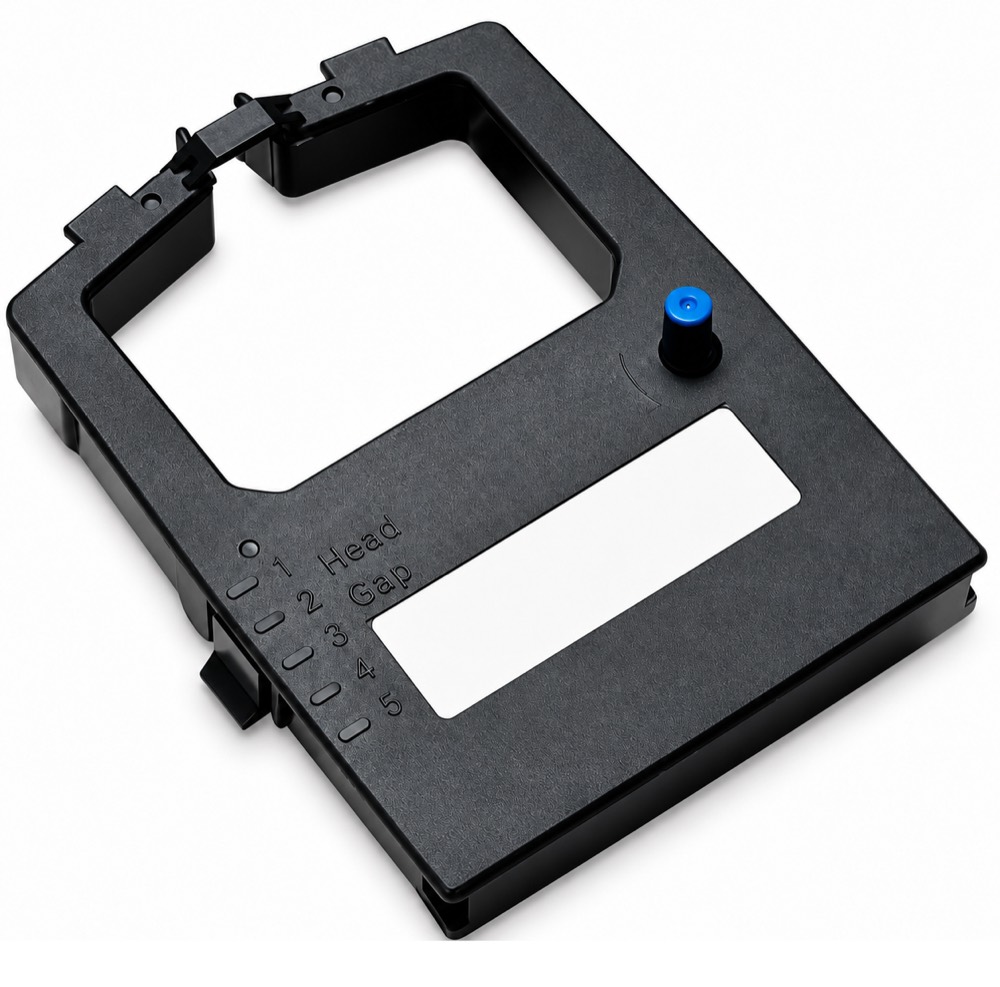
The black nylon spool ribbon for the 150 / P300 / 600 class of machines (Dataproducts-branded, OEM references 107675-005 and 1040990, sold six to a box) is the commodity option: long life, clean character definition, on the order of 20 million characters per ribbon, and OCR-grade edges so scanners and readers can cope with the output. It carries no security feature at all, and that is the point. Picking lists, internal reports, packing documents, shipping paperwork — anything that does not have to survive an argument about authenticity — belongs on a standard ribbon, because paying a security premium there is pure waste.
2. Tamper-evident security ribbons — for documents that get altered
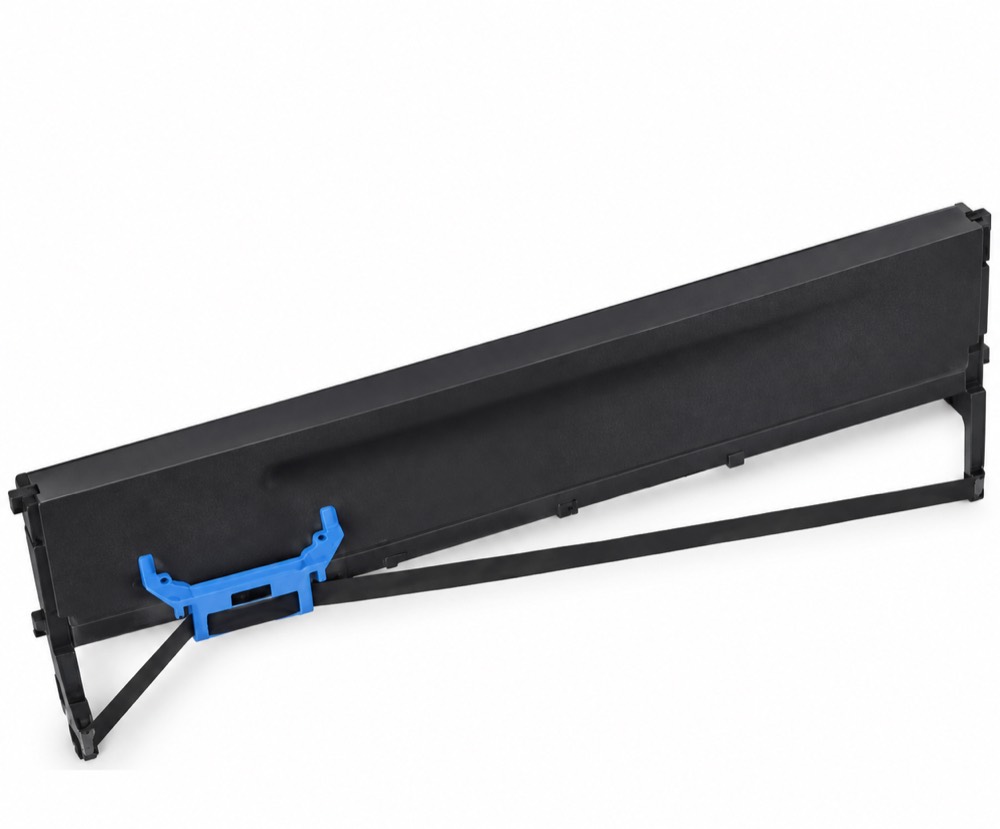
Printronix sells a tamper-evident ribbon for P5000-class machines under part 175694-001 (six to a box), with large-spool references such as 400394-001 in circulation for the same duty. The mechanism is physical: the printed characters are laid down so that scraping, solvent or mechanical erasure leaves a visible mark instead of a clean surface. The document does not become impossible to alter — it becomes impossible to alter invisibly, which is what an auditor, a teller or a court actually needs.
This is the ribbon for negotiable and semi-negotiable paper: checks and drafts, vouchers, money orders, tax and customs forms, warehouse release documents, prescriptions, certificates — anything where the number on the page is the thing of value and the person holding it has a reason to change it.
3. Black / red penetrating (indelible) ribbons — for documents that get copied and forged
The P7000-series black-and-red penetrating ribbon (negro/rojo penetrante, black red bleed, typically a box of six) does something a tamper-evident ribbon does not. The red component bleeds through the paper, so the character appears on the reverse of the sheet as well as the front. That gives you two verification tests with no equipment: hold the page to the light and the impact ink is present on both sides, and attempt a photocopy or a scan-and-reprint and the bleed-through does not reproduce. Related grades add orange bleed with fluorescence, or UV-visible and UV-invisible inks, for organizations that already own a UV lamp at the verification desk.
Choose this when the risk is a counterfeit whole document rather than an edited one — duplicate tickets and passes, forged receipts and delivery notes, cloned vouchers, re-presented payment instruments.
4. MICR security ribbons — for the code line itself
A Kerning MICR ribbon is a different class of product. The ink is loaded with magnetic pigment so the reader/sorter at the bank sees a magnetic signal, not just a black shape. These ribbons are specified the way industrial stock is specified — by width and length, for example 5 inches by 1,000 feet — and their yield is quoted in checks, because that is the unit the buyer counts.
Two points worth committing to memory. First, magnetic ink is magnetic for both MICR standards: there is no such thing as E-13B ink or CMC-7 ink. The font lives in the machine; the magnetism lives in the ribbon. We wrote up that distinction in full in E-13B vs CMC-7. Second, a MICR ribbon is a measured consumable: it has to deliver signal strength inside a specified band, and a ribbon that is merely "still printing" can already be printing out of specification. That is the subject of our guide to reading MICR signal strength.
Why you cannot substitute across the list
Four hard constraints, in the order they tend to bite:
- Format. Spool and cartridge are mechanically different. A P7000 cartridge will not load in a P7215, and a P5000 spool will not solve a P7C15.
- Width and length. Wide MICR spools are cut to the machine. A ribbon that is narrow by half an inch will print, then wear a stripe and fail early.
- Ink chemistry. Magnetic, penetrating and tamper-evident inks are three different formulations. A standard black ribbon in a MICR encoder produces a code line that looks perfect to the operator and is rejected downstream by the bank — the most expensive failure on this page, because it is discovered after the run.
- Ribbon advance. On an encoder like the KDS 600 the ribbon step distance is programmable (about 0.145"). A third-party ribbon with a different thickness or backing changes the effective wear pattern and the print density along with it.
How to order without guessing
- Order from the model plate, not the printer’s nickname. "The big Printronix" is not a part number; P5215, P7215 and P7C15 are.
- Confirm spool or cartridge before you confirm anything else. It eliminates most of the catalog in one step.
- Do not read a printer’s end-of-support date as a ribbon shortage. The consumable catalog is still open for both Printronix platforms; treat parts and service as the scarce thing.
- Record the part number on the ribbon you are pulling out, not the one on an old invoice. Estates drift as machines are repaired and swapped.
- For MICR, measure the ribbon you currently run — width in inches, length in feet — and record the checks-per-ribbon you actually get. That number is your reorder trigger and your budget line.
- Match the security grade to the document, not to the printer. Most sites need two ribbon types in the storeroom: a standard black for internal output and one security grade for negotiable paper.
- Buy security ribbons by the box. They ship six or four to a case for a reason; a single-unit stockout of a security consumable stops a run that cannot legally be finished on a standard ribbon.
- Store flat, cool and sealed. Impact ribbons dry from the edges in, and a dried security ribbon fails its security function before it fails visibly.
If you are not sure which of these you are running
Send us the model plate and a photo of the ribbon you are replacing, including any part number printed on the spool or hub. We supply MICR and security consumables to banks, security printers and forms manufacturers across the United States, Panama, Ecuador, Colombia, Honduras, El Salvador and the Dominican Republic, and we will confirm the correct format, width and grade before you commit to a case.
See our product range, the frequently asked questions, or contact us with your printer model and monthly volume.